Jun 20, 2026
Amazon Product Photography for Beauty
Amazon product photography for beauty listings: exact specs, image sequence, common suppression causes, and what actually lifts conversion in 2026.
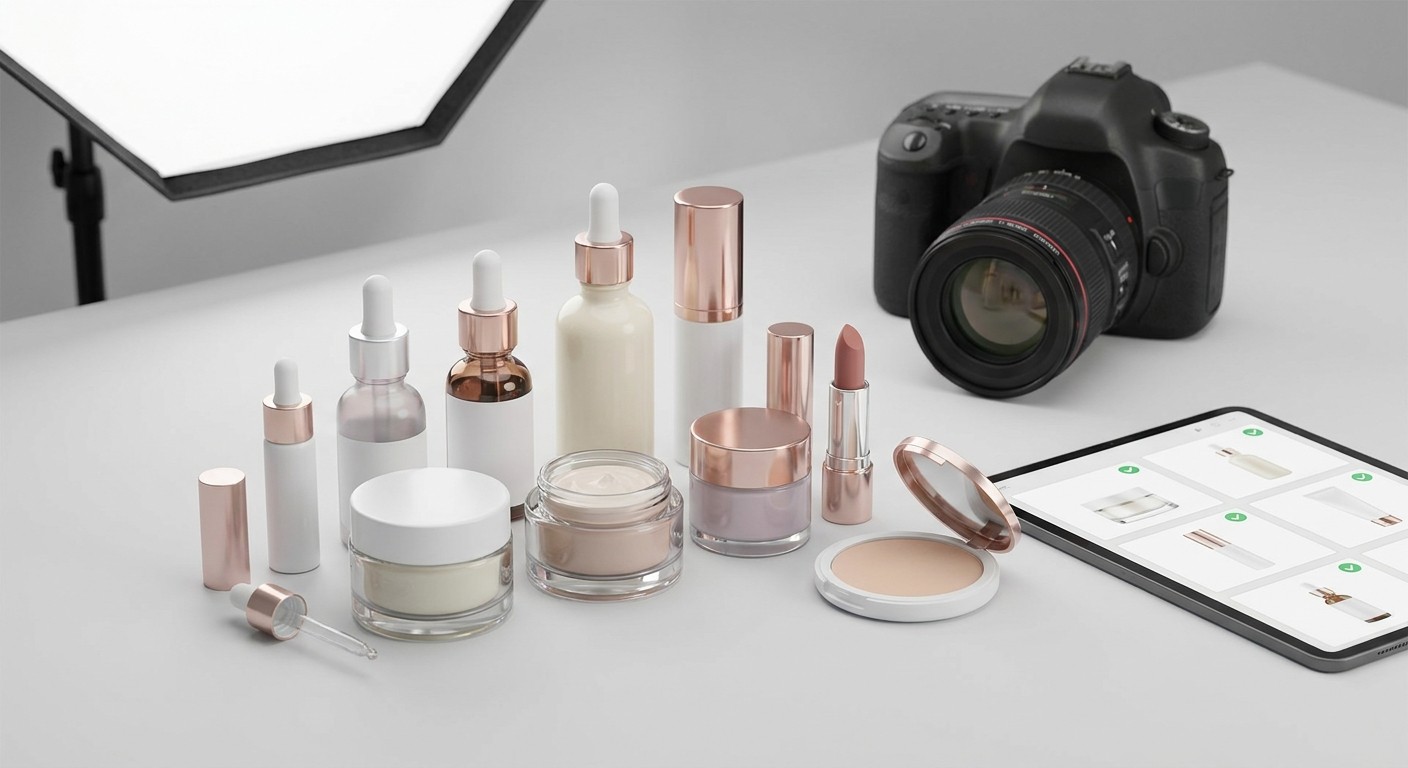
Amazon product photography for beauty listings is one of the highest-leverage decisions a brand makes before spending a dollar on ads — and most brands get it wrong in ways that are invisible until conversion rates stall.
TL;DR: Amazon product photography for beauty listings requires a pure-white main image (RGB 255, 255, 255) at 2000×2000 pixels minimum, with the product filling at least 85% of the frame. Secondary images should show texture, ingredient callouts, before/after results, and shade range — in that order. Get the photography wrong and no amount of PPC spend recovers the lost conversion rate. Get it right in 2026 and you give every other element of your listing a fighting chance.
Why this matters
Amazon's Beauty category converts at roughly 10–15% for well-optimized listings and drops below 5% for listings with weak imagery — the gap is almost entirely visual. Shoppers cannot touch, smell, or swatch a product through a screen. Photography is the tactile substitute. A customer scrolling search results makes a click decision in under 2 seconds based almost entirely on the main image. Every subsequent image either builds the case for purchase or introduces doubt.
In 2026, Amazon's algorithm also factors session-to-purchase conversion rates into organic rank. Poor photography does not just lose the sale — it suppresses rank, which means you pay more per click to recover the same position.
What you'll need
A camera that shoots at minimum 3000×3000 pixels (most full-frame DSLRs or Sony/Canon mirrorless bodies qualify)
A calibrated lightbox or studio setup with continuous daylight-balanced lighting (5500K)
A white seamless background rated to RGB 255, 255, 255 — not off-white, not cream
Retouching software capable of background removal and color correction (Adobe Lightroom + Photoshop is the standard stack in 2026)
Prop budget for lifestyle and texture shots: spatulas, droppers, botanical ingredients, skin models with diverse complexion coverage
Amazon's current image technical requirements document (updated frequently — always pull from Seller Central before a shoot)
A professional retoucher who has worked specifically on Amazon beauty accounts, not a general graphic designer
The steps
Step 1 — Audit your current image set before booking a shoot
Before spending money on new photography, pull every ASIN in your catalog and score each image slot 1 through 7. Note which slots are empty (Amazon allows up to 9 images including video), which images fall below 2000px on the short side, and which lifestyle images show models whose skin tone does not reflect your customer base.
The most common defects found in beauty listings in 2026: main image backgrounds that are warm-tinted rather than true white (they look fine on a Mac monitor but render gray on Amazon's compressed JPEG display), and secondary images that repeat the same product angle without adding new information. Both problems are invisible in isolation and obvious in a conversion audit.
Brands that Booscala audits typically arrive with 4–5 filled image slots when 7–9 would serve them better, and at least one image with a background that fails Amazon's purity test under automatic tools like Canopy or Helium 10's listing checker.
Step 2 — Nail the main image first
Amazon's hard rule: main image must be on a pure-white background (RGB 255, 255, 255), no props, no text overlays, no lifestyle elements, no watermarks. The product must fill at least 85% of the frame.
For beauty specifically, this means the product — bottle, tube, compact, palette — is the only subject. Cap on or off is a judgment call: for premium skincare, cap on reads cleaner; for lip color, showing the bullet slightly extended signals shade. Either choice is defensible; inconsistency across a catalog is not.
File must be JPEG, TIFF, or PNG at 72 DPI minimum, but upload at the highest resolution you have. Amazon recommends 2000 pixels on the longest side for zoom to activate — zoom is a conversion driver. Shoot at 3000+ and downsize in post, never upscale.
Common mistake: Relying on the manufacturer's product image. Manufacturer images are designed for print or web, not Amazon's display compression. They almost always fail the white background test and frequently contain embedded text that Amazon's algorithm may suppress.
Step 3 — Build secondary images in a deliberate sequence
The second through seventh images are your silent sales team. Each one should answer a specific objection or reinforce a specific benefit. The order that converts best for premium beauty in 2026:
Texture/formula close-up — shows applicator, serum drip, powder swatch, or cream texture. This is the tactile substitute. Shoot at macro distance with controlled lighting so the product looks premium, not clinical.
Key ingredient callout — flat lay or styled shot with hero ingredients visible (hyaluronic acid molecule graphic, botanical leaf, vitamin C slice). Beauty shoppers scan for ingredient proof fast.
Before/after or results claim — if substantiated and compliant with Amazon's claims policy. Results imagery must not make medical claims. "Visibly smoother skin in 4 weeks" is compliant; "clinically proven to eliminate wrinkles" triggers a suppression risk.
Shade range or variant overview — critical for color cosmetics, lip products, foundations. Show all shades in one image with accurate color rendering. Swatch on skin, not just floating.
Usage/how-to — step-by-step application or routine placement ("use after toner, before moisturizer"). Reduces returns caused by misuse.
Brand story or certifications — clean beauty seal, cruelty-free certification, woman-owned badge, or country of origin. Place this late in the stack; shoppers who reach image 6 are already interested.
Common mistake: Using the same model complexion across all skin-on-skin shots. Amazon's 2026 beauty category guidance encourages diverse representation. Beyond ethics, it directly affects conversion for shoppers who cannot see themselves in your imagery.
Step 4 — Shoot lifestyle and video in the same session
Video occupies the main image slot in some browse views and is eligible for Sponsored Brands placements. Shoot a 30–60 second video in the same studio session as your stills — same lighting, same props, same model. Editing costs far less than booking a second session.
Amazon beauty video best practices in 2026: open with the product visible within the first 3 seconds (no logo-only openers), include captions because most autoplay views are muted, and end with a clear benefit statement rather than a brand tagline. Keep the file under 500MB and encode at H.264.
Brands that add video to a listing typically see a 5–10% lift in conversion rate on mobile, where video autoplays in the main image carousel. Given that mobile accounts for the majority of Amazon beauty sessions in 2026, this is not optional for a competitive listing.
Step 5 — Integrate photography with A+ Content and storefront
Photography assets do not stop at the 9 image slots. The same shoot should supply modules for A+ Content for beauty brands and your storefront design. Inconsistent imagery across listing, A+ modules, and storefront is one of the most common signals of a brand that has not managed its Amazon presence cohesively.
A+ Content modules accept images at 970×600 pixels minimum for standard modules and 1464×600 for full-width banners. If you shoot at 3000+ pixels, cropping to these dimensions is trivial. If you shoot at Amazon's minimum spec, you will not have the resolution to fill A+ modules without visible quality degradation.
Step 6 — QA before uploading
Run every image through a white background checker before uploading. The background must read as RGB 255, 255, 255 — not 254, not 253. Amazon's automated system rejects or suppresses images that do not meet spec, sometimes without a clear error message. A suppressed main image kills organic rank within 24–48 hours.
Check: file format (JPEG, TIFF, or PNG only), file size (under 10MB per image), pixel dimensions (2000px minimum on longest side), no watermarks, no text on the main image, product filling 85%+ of frame.
Common mistake: Uploading and assuming Amazon accepted the image. Always verify in Seller Central's "Manage Images" view and confirm the live listing renders correctly on both desktop and mobile.
Troubleshooting
Main image shows gray or off-white background on the live listing — the background was not true RGB 255, 255, 255 before upload. Return to post-production, use Photoshop's "Select Subject" + "Remove Background" + fill with #FFFFFF, re-export as JPEG at 100% quality.
Image gets rejected with "does not meet image quality standards" — most common causes: image is below 1000px on the shortest side, contains a watermark, or the background contains a shadow. Re-shoot or retouch to remove all shadows; Amazon does not accept drop shadows on main images in the Beauty category.
Conversion rate does not improve after new photography — photography is one conversion factor, not the only one. Check listing copy, pricing relative to page-one competitors, and review count. A listing with 12 reviews competing against a listing with 800 reviews will underconvert regardless of image quality. See listing optimization for beauty products for the full conversion variable checklist.
Lifestyle images being suppressed — lifestyle images that show text overlays, promotional language ("Best Seller", "#1"), or pricing violate Amazon's secondary image guidelines. Remove all promotional text from secondary images.
Shade swatches look different on the listing than in the shot — Amazon applies JPEG compression that shifts saturation. Over-saturate swatch images by approximately 10–15% in post to compensate. Always QA swatch accuracy on a calibrated monitor and then on a mobile device at default settings.
Video not appearing in the main image carousel — video must be uploaded via the "Manage Images" tool, not through A+ Content. If it is in A+ only, it will not appear in the image carousel. Upload separately.
Tools and resources
Adobe Lightroom + Photoshop — industry standard for beauty retouching in 2026
Canopy or Helium 10 Listing Analyzer — automated image spec checkers
Amazon's Image Standards page (Seller Central > Help > Image Standards) — pull this before every shoot; specs update without announcement
Booscala's guide on Amazon main image best practices for beauty brands — covers brand-specific nuances for premium and luxury positioning
What to do next
Photography is one component of a listing that converts. Once your image set is clean and compliant, the next lever is copy. The Amazon listing copywriting guide for luxury beauty covers how to match title structure, bullet hierarchy, and description to the visual premium you just established.
FAQ
What background color is required for Amazon beauty main images? Pure white — RGB 255, 255, 255. Off-white and cream backgrounds cause suppression. Amazon's system tests background purity automatically, and even a slight warm tint is enough to trigger a compliance flag.
How many images should a beauty listing have on Amazon in 2026? Use all available slots: 7 images plus 1 video is the standard for a fully optimized beauty listing in 2026. Listings with fewer than 5 images leave purchase-driving real estate empty and consistently underperform category averages.
What pixel dimensions does Amazon require for beauty product images? Minimum 1000 pixels on the shortest side; 2000 pixels on the longest side to activate zoom. Upload at 3000 pixels for maximum flexibility and quality. File size must stay under 10MB per image.
Is lifestyle photography allowed in the Amazon Beauty main image? No. The main image must show only the product on a pure-white background — no props, no models, no text, no lifestyle elements. Lifestyle images belong in the secondary slots (images 2 through 9).
Does adding video to a beauty listing actually improve conversions? Yes. Brands adding compliant product video to beauty listings in 2026 report conversion rate increases of 5–10% on mobile placements, where video autoplays in the image carousel. The lift is consistent enough that skipping video is a measurable revenue decision.
What is the most common photography mistake beauty brands make on Amazon? Using the manufacturer's product image as the main image. Manufacturer images are designed for print or retail POS — they rarely meet Amazon's white background standard, often contain embedded text, and are almost always shot at insufficient resolution for zoom activation.
How often should beauty brands refresh their Amazon photography? Refresh when: a product reformulates, packaging changes, a new shade range launches, or conversion rate drops more than 2 percentage points without a pricing or competitive change. Routine refreshes every 12–18 months keep imagery current with category visual standards.
Can text callouts appear on secondary images for beauty listings? Yes, with restrictions. Text overlays on secondary images are permitted for ingredient callouts, benefit claims, and how-to instructions. Promotional language — "Best Seller", "#1 Rated", price claims — is prohibited in all image slots.
One last thing
Amazon's search results page in the Beauty category shows 16–24 ASINs on a standard desktop view. A shopper evaluating your main image is comparing it against 15–23 competitors simultaneously. The brands that win the click are not always the ones with the lowest price or the highest review count — they are the ones whose main image reads as premium, clear, and shelf-worthy at 200×200 pixels. The resolution you upload does not matter until the click happens; the thumbnail impression is what earns that click. Build your main image to win at thumbnail size first, then let zoom do the rest.
