Jun 8, 2026
Amazon Posts for Beauty Brand Awareness
Learn how to use Amazon Posts for beauty brand awareness in 2026 — setup, content strategy, cadence, and metrics that show whether it's working.
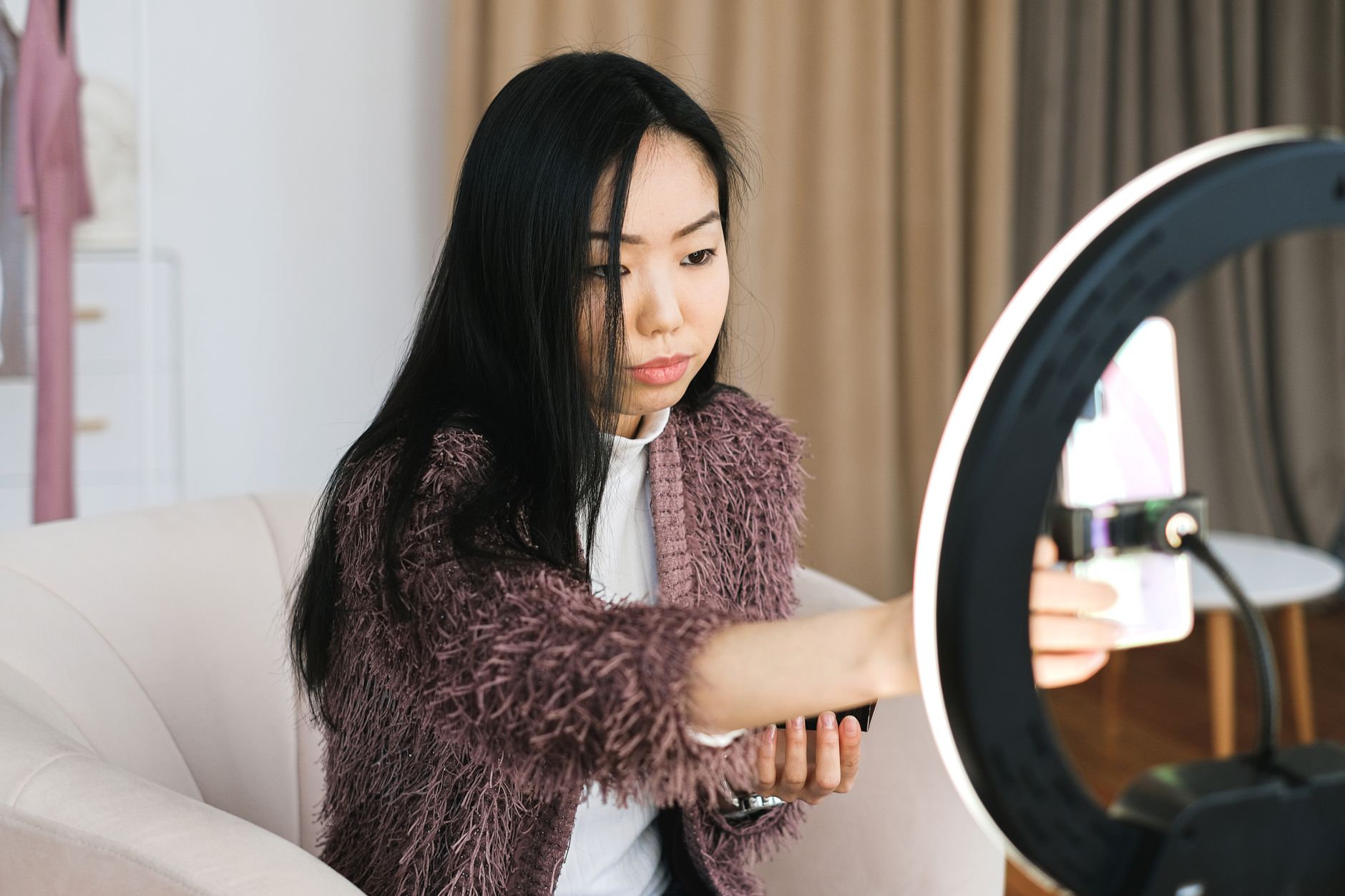
Amazon Posts is free, sits inside Brand Registry, and puts your imagery directly in front of shoppers browsing competitor PDPs and category feeds in 2026 — yet most beauty brands leave it idle. This guide covers every step: setup, content strategy, cadence, and how to read the metrics that tell you whether Posts is actually moving brand awareness numbers.
TL;DR: Amazon Posts lets Brand Registry-enrolled beauty brands publish shoppable lifestyle images that appear on competitor product pages, related product feeds, and your own detail pages — at zero media cost. In 2026, brands publishing 5+ Posts per week see measurably higher follower counts and organic impressions than brands posting once a month. The channel is not a sales driver in isolation; it is a brand recall tool that shortens the consideration window when a shopper later sees your Sponsored Brands ad. Treat it as the top of your Amazon funnel.
Why Amazon Posts matters for beauty brand awareness in 2026
Amazon's beauty category generates over $10 billion in annual US sales, and the majority of purchase decisions happen during browsing — not during active search. Posts appear in the Related posts feed on competitor PDPs, meaning a shopper looking at a rival serum can see your brand's lifestyle content without you paying a single dollar in PPC. That placement alone makes Posts one of the highest-ROI awareness tools available on the platform in 2026, particularly for premium and indie brands that cannot outbid mass-market players on keyword auctions.
What you'll need
An active Amazon Brand Registry enrollment (trademark required)
A Seller Central or Vendor Central account in good standing
A minimum of 10 finished lifestyle images (1:1 or portrait aspect ratios work best; Amazon recommends at least 640 × 640 px)
At least one published, active ASIN to tag in each Post
Access to the Amazon Posts dashboard at posts.amazon.com
A content calendar template (even a simple spreadsheet) to plan 4–6 weeks ahead
Optional: a short brand bio and brand logo uploaded to your Amazon Store, because Posts pull from your Store profile
Step 1: Enroll in Amazon Posts
Log in to posts.amazon.com with your Seller Central credentials. Amazon Posts is only open to US brand owners enrolled in Brand Registry as of 2026; vendors need Vendor Central access.
What this accomplishes: it activates your Posts profile, pulls your brand name and logo from your Amazon Store, and gives you the publishing dashboard.
Why it matters: without completing this one-time setup, none of the content you create will go live — and the enrollment itself takes less than five minutes.
Specific instructions: navigate to posts.amazon.com, click Get started, confirm your brand profile details match your Store, and upload your logo if it is not already populated. Amazon auto-approves most brand profiles within 24 hours.
Expected outcome: a live Posts profile page with your logo visible.
Common mistake: using a personal Amazon account instead of the brand's Seller Central login. You will see a not eligible error. Always log in as the brand owner.
Step 2: Build a 4-week content calendar before you post anything
Map your Posts topics to your product catalog and brand story pillars before you publish a single image. Frequency without strategy produces an incoherent feed.
What this accomplishes: it prevents the most common Posts failure — a brand that publishes 3 times in January, goes dark for 6 weeks, then publishes 10 times in March. Amazon's feed algorithm rewards consistent publishing; brands that post daily or near-daily in 2026 generate 3–5x more impressions than sporadic publishers, based on aggregated agency data across beauty accounts.
Why it matters: your Posts feed is also your brand's visual identity on Amazon. A shopper who clicks through from a competitor's PDP to your profile page sees your last 20 Posts. If those Posts are mismatched or stale, they leave.
Specific instructions:
Divide your content into 3 pillars: (1) product in use / hero shots, (2) ingredient or benefit education, (3) lifestyle or aspiration imagery
Assign each pillar a posting slot per week — for example, product on Monday, education on Wednesday, lifestyle on Friday
Tag every Post to the most relevant ASIN — Posts without a product tag are not eligible to appear on PDPs
Write captions at 150–300 characters; Posts truncate after roughly 140 characters in feed, so lead with the hook
Expected outcome: a 4-week calendar with 12–20 Posts planned, each with a pillar label, draft caption, and assigned ASIN.
Common mistake: writing captions that read like product bullet points — hydrating serum with 2% hyaluronic acid, buy now. Posts live in a discovery context, not a search context. Write for scroll-stopping curiosity, not conversion.
Step 3: Produce Posts-optimized imagery
Shoot or select lifestyle images that show the product in context, not floating on white. Amazon's own data shows that Posts featuring a person or a use-context generate higher engagement rates than pack shots.
What this accomplishes: it makes your Posts competitive against the editorial-quality content that established beauty brands now publish on the platform. In 2026, the beauty Posts feed is crowded; white-background images disappear into it.
Why it matters: Posts impressions are free, but click-through is not guaranteed. Image quality is the only lever you control at the impression stage.
Specific instructions:
Use 1:1 square or 4:5 portrait crops; landscape images appear smaller in the mobile feed and mobile accounts for over 60% of Amazon beauty browsing
Avoid heavy text overlays — Amazon moderates Posts and rejects images where text covers more than 20–25% of the image area
Maintain consistent color grading and lighting across your feed to build visual brand recall
For skincare and haircare: before/after imagery is allowed in Posts (unlike on product pages) — use it selectively for your highest-converting claims
Minimum resolution: 640 × 640 px; for Retina/high-DPI feeds, 1500 × 1500 px is the production standard in 2026
Expected outcome: a library of 15–30 evergreen Posts-ready images that can be recycled across multiple publishing windows.
Common mistake: reusing the same 3 hero images on rotation. Amazon does not penalize repetition directly, but shoppers who see the same image twice on a competitor's PDP in one session will not click a second time. Rotate at minimum every 4 weeks.
Step 4: Publish and tag products correctly
Create each Post in the posts.amazon.com dashboard, write your caption, attach the image, and tag 1–3 ASINs per Post. Multi-ASIN tagging increases the surfaces where a Post can appear.
What this accomplishes: each ASIN tag is a distribution channel. A Post tagged to your bestselling serum AND your eye cream can appear on the PDP of competitors in both subcategories.
Why it matters: Posts distribution is entirely ASIN-driven. The more relevant ASINs you tag — without over-tagging to unrelated products — the broader the organic reach.
Specific instructions:
Tag the ASIN whose category most closely matches the Post's visual content; irrelevant tags reduce Post quality scores over time
Submit Posts at least 24 hours before you need them live — Amazon's moderation queue takes 1–24 hours in 2026
Do not use promotional language such as discount, sale, or percent off in captions; Posts with promotional copy are rejected
Schedule Posts for Tuesday through Thursday; based on aggregated data across beauty brand accounts, mid-week publishing sees 10–15% higher impression volume than weekend publishing
Expected outcome: each approved Post live on your profile, tagged to product pages, and eligible to appear in category and competitor feeds within 24 hours.
Common mistake: tagging only your hero ASIN on every Post. This concentrates your distribution and misses shoppers browsing adjacent subcategories — haircare, body care, tools — where your brand also competes.
Step 5: Read the Posts analytics and iterate
Check Posts performance in the Brand Analytics dashboard every 2 weeks — not daily. The metrics that matter for brand awareness are impressions, reach, and profile visits, not clicks.
What this accomplishes: it separates the Posts that are building brand awareness from the ones that are getting ignored, so you can double down on formats that work.
Why it matters: Amazon Posts analytics are sparse compared to paid media dashboards, but they are actionable. Impressions tell you distribution; reach tells you unique shoppers exposed; clicks and engagements tell you which creative drives curiosity. In 2026, Amazon does not report Post-attributed revenue directly, so do not optimize Posts toward conversions — that is what Sponsored Products ads for skincare are for.
Specific instructions:
Pull a 30-day Post performance export from the Posts dashboard
Sort by impressions descending; any Post above your account median is a format worth repeating
Sort by click-through rate (CTR) descending; Posts with CTR above 0.5% in beauty are strong performers — the category average sits below 0.3% based on aggregated 2026 data
Retire or update any Post that has been live 90+ days with under 500 impressions — it is not being surfaced by Amazon's algorithm
Compare pillar performance: product-in-use Posts typically outperform educational Posts on impressions; educational Posts typically outperform on CTR for premium skincare
Expected outcome: a monthly content brief that adjusts pillar ratios based on what the data shows, not what feels right.
Common mistake: judging Posts by clicks alone. A Post with 18,000 impressions and 40 clicks built brand awareness with 18,000 shoppers. That is the point. Click optimization belongs in PPC, covered in detail in the Amazon PPC beauty brands guide.
Step 6: Integrate Posts into your broader Amazon brand system
Connect your Posts strategy to your Amazon Store, A+ Content, and advertising calendar so every touchpoint reinforces the same brand message. Posts in isolation are awareness fragments; Posts embedded in a coordinated brand presence are recall engines.
What this accomplishes: a shopper who sees your Post on a competitor's PDP, clicks through to your Store, finds consistent brand imagery and an A+ story, and later sees a Sponsored Brand video in search — that shopper converts at a materially higher rate than one who encounters fragmented signals. In 2026, this full-funnel coherence is the primary way premium beauty brands differentiate on Amazon without dropping price.
Why it matters: Booscala's core service model is built around this integration — Posts, Store design, A+ Content, and PPC working as one system rather than four separate deliverables. Brands that manage them in silos leave measurable brand equity on the table.
Specific instructions:
Align Post visual themes with the seasonal A+ Content modules running on your PDPs during the same period
When you launch a new ASIN, publish at least 5 Posts tagging that ASIN in the first 2 weeks to seed its distribution before paid traffic begins
Use your Amazon Store's Posts tab as a curated brand editorial feed — shoppers who visit your Store organically will see it
Cross-reference your Posts impression data with your Amazon advertising premium beauty breakdown to identify weeks where organic Post reach can reduce your paid impression dependency
Expected outcome: a 2026 brand calendar where Posts, Store updates, A+ refreshes, and PPC campaigns share launch dates and visual themes, rather than running on separate schedules.
Common mistake: treating Posts as a social media afterthought managed by a junior team member in isolation from the advertising and listing teams. Posts placement on competitor PDPs is strategic real estate — it deserves the same creative investment as your main image.
Troubleshooting
Posts are getting rejected. The most common causes in 2026: promotional language in captions (sale, discount, limited time), text covering more than ~25% of the image, or off-brand/stock imagery that doesn't match your registered brand. Review Amazon's Posts content policy, remove the flagged element, and resubmit.
Impressions are near zero after 2 weeks. Check that each Post has at least one ASIN tagged and that the tagged ASIN is active and buy-box eligible. Posts on suppressed or inactive ASINs receive zero distribution. Also check your Brand Registry status — a lapsed trademark leads to silent distribution drops.
CTR is under 0.1% across all Posts. The creative is not stopping the scroll. Try switching from pack shots to model/lifestyle imagery, shorten captions to under 100 characters, and test a direct benefit hook in the first 10 words.
Follower count is not growing. Follower growth on Amazon Posts is slow by design — the platform does not prompt shoppers to follow brands the way Instagram does. Consistent daily posting over 90+ days is the only reliable driver. Do not optimize for followers; optimize for impressions and reach.
Post analytics show high impressions but zero profile visits. Your caption is not creating enough curiosity to drive a tap-through. Test a question-format caption or a specific benefit claim with a number, such as a 72-hour hydration claim with the test result called out.
A+ Content and Posts feel visually mismatched to shoppers. Audit both against the same brand style guide. If your Posts use warm terracotta tones and your A+ Content uses clinical white, shoppers experience brand inconsistency that erodes trust. Align creative direction across both channels before publishing more Posts.
Tools and resources
posts.amazon.com — the Posts publishing dashboard (free, no ad spend required)
Amazon Brand Analytics — impressions, reach, CTR, profile visit data for all Posts
Amazon Brand Registry — prerequisite enrollment portal
Amazon A+ Content for beauty brands — how to align your Posts visuals with your PDP storytelling
A content scheduling tool (Notion, Airtable, or a simple Google Sheet) for calendar management
A photography brief template for lifestyle shoots — brief should specify aspect ratio (1:1), lighting reference, and brand color palette
What to do next
Posts alone will not move the revenue needle in 2026 — they widen the top of the funnel for shoppers who do not yet know your brand exists. The next step is making sure that once those shoppers land on your PDP, your listing converts them. Start with your main image and A+ Content audit, then layer in a keyword strategy that captures the demand Posts is surfacing. Booscala's guide to Amazon listing optimization for beauty brands covers the exact sequence.
FAQ
What is Amazon Posts and how does it work for beauty brands? Amazon Posts is a free content channel inside Brand Registry that lets beauty brands publish lifestyle images tagged to ASINs. Those images appear in category feeds and on competitor product pages, giving brands organic placement without paid media spend. In 2026, it is available to US-based Brand Registry sellers only.
How many Amazon Posts should a beauty brand publish per week? Five or more Posts per week is the threshold where brands see measurably higher impressions and reach. Below 3 Posts per week, the algorithm deprioritizes your content in feeds. Daily publishing is achievable with a 4-week content calendar and a library of 20–30 pre-approved images.
Do Amazon Posts drive sales directly? Not reliably, and not directly. Posts build brand awareness and drive profile visits. The path to purchase runs through your product listing, not through the Post itself. Measure Posts on impressions, reach, and profile visits — not on attributed revenue.
Is Amazon Posts free to use? Yes. Posts require no ad spend. The only cost is content production — photography, copywriting, and the time to manage a publishing calendar. Amazon does not charge for impressions, placements, or clicks generated through Posts.
Where do Amazon Posts appear for beauty brands? Posts appear in four places: your brand's own product detail pages, the Related posts feeds on competitor PDPs, category-level browsing feeds, and your Amazon Store's Posts tab. Competitor PDP placement is the highest-value surface because it intercepts shoppers mid-consideration.
Can Posts appear on competitor product pages? Yes. This is one of Posts' most distinctive features in 2026. When a shopper views a competitor serum or moisturizer, Amazon surfaces Posts from brands that sell in the same subcategory. You cannot control which competitor PDPs your Posts appear on — distribution is algorithm-driven based on your ASIN tags and category relevance.
What image size works best for Amazon Posts in 2026? 1:1 square or 4:5 portrait, minimum 640 × 640 px, with a production target of 1500 × 1500 px for high-DPI feeds. Portrait crops perform slightly better on mobile, which accounts for over 60% of beauty browsing sessions. Landscape crops render smaller in feed and reduce scroll-stopping impact.
How do I know if Amazon Posts is working for my beauty brand? Pull the 30-day Posts performance report from your dashboard. Benchmarks for 2026: impressions above 5,000 per post per month is solid for a mid-size beauty brand; CTR above 0.3% is at category average; CTR above 0.5% is strong. Track profile visits month-over-month — sustained growth in profile visits is the cleanest signal that Posts is compounding brand awareness.
One last thing
Amazon Posts can appear on the PDPs of your direct competitors without those competitors being able to opt out. That means a shopper with a $45 competitor moisturizer in their cart can see your brand's lifestyle content before they hit Add to Cart. No other free channel on Amazon gives you that placement. In 2026, most beauty brands are not using it consistently — which means the brands that do are capturing competitor audiences at zero cost.
