Jul 4, 2026
Amazon PPC Negative Keywords for Beauty Brands 2026
Block wasted spend before it compounds. This 2026 guide shows beauty brands exactly how to build and prune Amazon PPC negative keyword lists that cut ACoS by 20–40%.
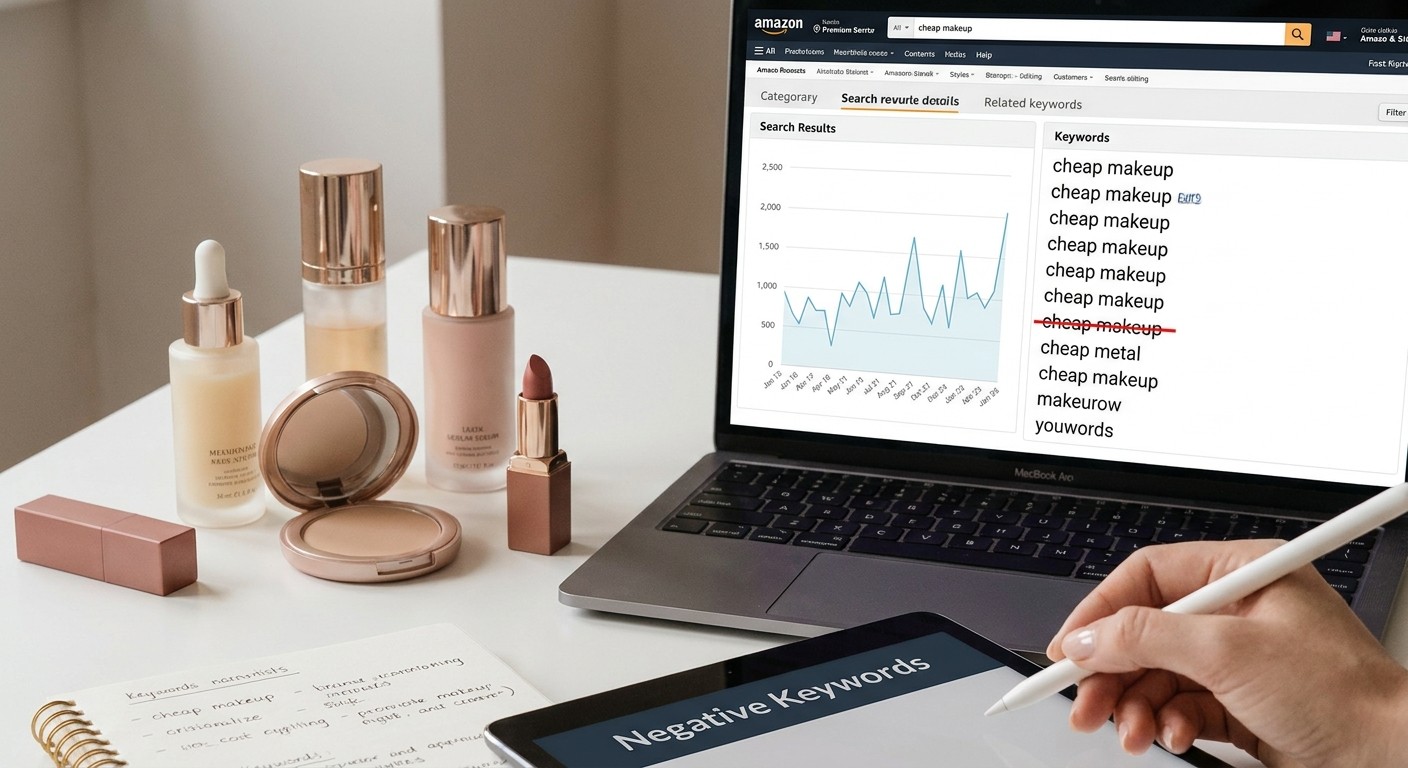
Most beauty brands running Amazon PPC are paying for clicks that will never convert — not because their bids are wrong, but because their negative keyword list is empty. This guide covers exactly how to build and maintain amazon ppc negative keywords for beauty brands in 2026, from the first audit through to ongoing pruning.
TL;DR: Amazon PPC negative keywords for beauty brands block irrelevant traffic before it burns budget. For a premium skincare or K-beauty brand, that means negating ingredient searches you don't use, competing brand names, DIY and "homemade" modifiers, and low-price signals like "cheap" or "dollar." Done right, negatives reduce wasted spend by 20–40% without touching your winning keywords. Start with a Search Term Report audit, add phrase-match negatives at the campaign level, and review the list every 14 days.
Why This Matters in 2026
Amazon's auto campaigns and broad match keywords pull in search terms that sound related but represent completely different buyer intent. A serum brand running broad match on "vitamin C" will absorb impressions for "vitamin C supplement," "vitamin C powder DIY," and "vitamin C for guinea pigs." None of those convert. Every click is money out the door at zero return.
In the beauty category specifically, the mismatch problem is acute. The category spans mass-market to prestige, K-beauty to clinical, ingestible to topical — and Amazon's algorithm does not know which lane you're in. Your negative keyword strategy is the mechanism that tells it.
What You'll Need
Access to Amazon Seller Central or Vendor Central (advertising console)
Search Term Report downloaded for at least the last 30 days (90 days gives a cleaner picture)
A spreadsheet with columns: Search Term | Impressions | Clicks | Spend | Orders | ACoS
Your own brand's ingredient list and product positioning (premium, clean, K-beauty, clinical, etc.)
60–90 minutes for the initial audit; 20 minutes every 14 days after that
Step 1: Pull the Search Term Report — Not the Keyword Report
Action: In Seller Central, go to Reports > Advertising Reports > Search Term Report. Set the date range to the last 90 days and download.
The Search Term Report shows the actual queries shoppers typed before clicking your ad. The Keyword Report shows your targets. They are different. You want the Search Term Report.
Why it matters: Every row with spend and zero orders is a candidate for negation. You cannot see wasted spend without this file.
Expected outcome: A spreadsheet with hundreds or thousands of rows. That is normal. For an active beauty brand running 3–5 campaigns, expect 500–2,000 unique search terms over 90 days.
Common mistake: Pulling only 7 or 14 days. Short windows miss low-frequency terms that still accumulate $50–$200 in wasted spend across a quarter.
Step 2: Segment by Intent — Beauty-Specific Patterns to Flag Immediately
Action: Sort your Search Term Report by Spend descending. Flag any term that matches these beauty-specific patterns with zero orders:
Ingredient mismatches: You sell a niacinamide serum; the query is "retinol serum" or "glycolic acid toner." Different active, different shopper.
Format mismatches: Your product is a cream; the query is "serum," "oil," "mist," "sheet mask," or "essence." Beauty shoppers are format-specific.
Ingestible vs. topical crossover: "vitamin C supplement," "collagen powder," "biotin gummies" — these pull in food/supplement intent, not skincare.
DIY and professional crossover: "homemade," "DIY," "recipe," "wholesale," "bulk," "salon professional only."
Price-signal mismatches: "cheap," "affordable dupe," "drugstore," "dollar tree" — these attract bargain shoppers to a $45 serum and burn budget.
Competing brand names: If shoppers are searching "[Competitor] vitamin C serum" and clicking your ad, you're paying for their brand equity. Negate unless you have a specific conquest campaign with a matching landing strategy.
Irrelevant categories: "pet shampoo," "baby lotion," "laundry detergent" — Amazon's broad match pulls these in more often than you'd think for terms like "gentle cleanser" or "sensitive formula."
Why it matters: Beauty has more intent fragmentation than almost any other Amazon category. A shopper searching "exfoliating" could want a scrub, a peel pad, a toner, or an enzyme mask. Without negatives, you fund all of them.
Expected outcome: After flagging, most brands find 15–30% of their search terms have generated spend with zero attributed orders. That number is your baseline waste rate.
Common mistake: Negating a term that actually converts occasionally. Always sort by spend AND check order count. A term with 1 order in 90 days on $80 spend at 200% ACoS should be negated. A term with 8 orders at 18% ACoS should not.
Step 3: Choose Match Type for Each Negative — Phrase vs. Exact
Action: For each flagged term, decide: phrase-match negative or exact-match negative.
Exact-match negative: Blocks only that precise query. Use for terms that are sometimes relevant but not in one specific form (e.g., exact-negative "vitamin c gummies" while keeping "vitamin c serum" active).
Phrase-match negative: Blocks any query containing that word string. Use for whole concept exclusions — "dupe," "cheap," "wholesale," "DIY," "homemade." Phrase-match negatives do the heavy lifting.
Why it matters: Adding exact negatives for 200 individual terms when you could add 8 phrase negatives does the same job in 10 minutes instead of 3 hours.
Specific instructions for beauty brands in 2026:
Add "cheap," "affordable," "budget," "dupe," "drugstore" as phrase-match negatives at the campaign level for any premium-positioned product.
Add "DIY," "homemade," "recipe," "how to make" as phrase-match negatives at the campaign level across all campaigns.
Add competing brand names as exact-match negatives at the ad group level unless you are running a deliberate conquest campaign.
Add ingredient names you do not use as exact-match negatives — e.g., if your serum has no retinol, add "retinol" as exact negative to prevent shoppers looking for retinol products from clicking your ad.
Expected outcome: A manageable list of 20–40 phrase-match negatives at campaign level, plus a rotating list of exact-match negatives that grows over time.
Common mistake: Adding all negatives at the ad group level. Campaign-level negatives apply across all ad groups in that campaign. Use campaign level for universal exclusions to avoid duplicating work.
Step 4: Build Your Permanent "Beauty Brand" Negative Seed List
Action: Before you ever launch a new campaign, load a seed list of negatives that apply to almost every premium beauty brand on Amazon.
Here is the core list for 2026 — add these as phrase-match campaign-level negatives on day one:
cheap, cheapest, budget, affordable, low cost, discount, dupe, knockoff, fake, replica
DIY, homemade, recipe, how to make, make your own
wholesale wholesale price, bulk, pallet, reseller
free, sample, trial size (unless you sell samples)
men (if you sell women's beauty — or vice versa, negate "women" for a men's grooming product)
baby, infant, toddler, kids, children (unless your product is formulated for them)
supplement, gummies, capsules, powder, drink (negate for topical-only brands)
professional only, salon, spa (if you sell direct-to-consumer at retail prices)
pet, dog, cat, animal
Why it matters: Loading this before launch means you never pay for a single wasted click from these categories. Brands that skip this step often spend $300–$800 in the first 30 days on zero-converting terms.
Common mistake: Treating this as a one-time task. The seed list is your floor. The Search Term Report audit (Steps 1–3) is how you build above it.
Step 5: Structure Negatives at the Right Level — Campaign vs. Ad Group
Action: Map each negative to the correct structural level.
Universal exclusions (cheap, DIY, wholesale)
Apply at: Campaign
Rationale: Applies to all ad groups automatically
Ingredient you don't use
Apply at: Campaign
Rationale: Broad enough to block across all products
Competing brand names
Apply at: Ad group
Rationale: Allows conquest campaigns to run separately
Cross-sell mismatch (wrong format)
Apply at: Ad group
Rationale: May apply to one product SKU, not all
Irrelevant sub-category
Apply at: Campaign
Rationale: No context where this converts
Why it matters: Getting the level wrong means either over-blocking (losing valid traffic) or under-blocking (still paying for junk). For a brand managing 10+ ASINs, sloppy structure compounds fast.
Common mistake: One flat negative list applied to all campaigns regardless of product. A body wash campaign and a facial serum campaign need different ingredient negatives.
Step 6: Review Every 14 Days — The Pruning Cadence
Action: Set a recurring 14-day calendar block. In each session:
Pull a fresh Search Term Report for the last 14 days.
Sort by Spend descending, filter for zero orders.
Add any new zero-conversion terms spending above your threshold (a reasonable threshold: any term with more than $15 spend and zero orders).
Check if any terms you negated have started converting on other campaigns — occasionally a term you negated on one campaign is worth keeping on a targeted exact-match campaign.
Review search terms that are converting at sub-15% ACoS — protect these by adding them as exact-match positive keywords with appropriate bids.
Why it matters: Amazon's algorithm constantly discovers new search terms, especially after listing changes, A+ content updates, or seasonal spikes. Your negative list from January 2026 will miss terms that appear in March 2026.
Expected outcome: After 60 days of consistent pruning, total wasted spend (clicks with zero orders) typically drops by 25–40% compared to month one. ACoS on remaining active terms improves because the denominator (total spend) shrinks without touching winning keywords.
Common mistake: Reviewing quarterly. Ninety days is too slow for Amazon beauty. New seasonal terms, trending ingredients (peptides, ceramides, bakuchiol), and competitor activity all change the search term landscape faster than a quarterly cadence can track.
Troubleshooting
Problem: Negated a term and sales dropped. Fix: Check if you negated a term that was also a converting keyword on another ad group. Pull the Search Term Report for the week before and after the change. If the term was converting, remove the negative and add it as an exact-match positive at a controlled bid instead.
Problem: ACoS is still high after adding negatives. Fix: Negatives remove waste but don't fix bids. If ACoS is high on your best-converting terms, the issue is over-bidding — not keyword relevance. Reduce bids on high-spend, moderate-conversion terms by 15–20% and hold for 10 days.
Problem: Auto campaign keeps pulling in irrelevant terms after adding phrase negatives. Fix: Amazon sometimes matches around phrase negatives. Add exact-match versions of the same terms in addition to phrase. For terms like "guinea pig vitamin c" that are highly specific, exact negatives are more reliable.
Problem: Can't find which campaign is generating the wasted spend. Fix: Download the Search Term Report segmented by campaign. Sort by Campaign Name, then Spend. The auto campaigns and broad-match campaigns will almost always be the source of irrelevant traffic.
Problem: Team adds new campaigns without loading the seed list. Fix: Build a shared negative keyword template in a Google Sheet. Every new campaign gets the seed list applied before the first ad goes live. Make it a launch checklist item, not an afterthought.
Problem: Competing brand terms converting at high ACoS but some volume. Fix: Isolate them in a dedicated conquest ad group with a capped daily budget. Do not let them drag ACoS on your core branded or category campaigns. This also lets you measure ROI of conquest separately.
Tools and Resources
Amazon Advertising Console — Search Term Report, Negative Keyword Manager (campaign and ad group level)
Amazon Brand Analytics — Search Query Performance report shows branded vs. non-branded query split; useful for identifying where your brand is attracting unintended searches
Helium 10 Cerebro / Search Query Volume — cross-reference high-spend zero-conversion terms against actual search volume to confirm whether to negate or restructure
Google Sheets or Excel — sort and filter at scale; pivot tables by campaign save significant time during 14-day reviews
For a full PPC campaign structure built for beauty brands, how to run Amazon PPC for a beauty brand covers the campaign architecture that makes negative keyword placement decisions easier
For ACoS reduction beyond negatives, how to lower ACoS on beauty products covers bid strategy and match type laddering specific to beauty
For a broader look at how PPC fits within a full Amazon advertising strategy for beauty, Amazon PPC beauty brands guide is the companion read
What to Do Next
Once your negative keyword list is clean and the 14-day review cadence is running, the next layer is bid strategy. Negatives stop the bleeding; bid structure determines how aggressively you grow on the terms that convert. Amazon PPC funnel for beauty brands covers how to structure upper-, mid-, and lower-funnel campaigns so budget flows toward your highest-intent shoppers in 2026.
FAQ
What are Amazon PPC negative keywords for beauty brands? Negative keywords are terms you explicitly block from triggering your ads. For beauty brands in 2026, they are the mechanism that prevents your premium serum from appearing — and paying — when someone searches "cheap vitamin c" or "vitamin c supplement."
How many negative keywords should a beauty brand have? There is no fixed number. A brand with one product and two campaigns might have 30–50 negatives. A brand with 20 SKUs across 10 campaigns will have 200+. The right number is: every zero-converting term spending above your waste threshold, plus your seed list of universal exclusions.
Should I use phrase-match or exact-match negatives for beauty PPC? Phrase-match for broad concept exclusions — price signals, format mismatches, DIY terms. Exact-match for specific competitor brand names or ingredient names you want to block only in one precise form. Most brands need both.
How often should I audit my negative keywords on Amazon? Every 14 days. The beauty category moves fast — seasonal trends, ingredient hype cycles, and competitor activity all change which search terms are pulling in irrelevant traffic. Quarterly reviews leave months of wasted spend unaddressed.
Will adding negative keywords hurt my impressions? Yes — intentionally. You want to lose impressions on irrelevant terms. Total impression count is a vanity metric. What matters is impressions on searches that match your product and buyer. Negatives improve that ratio every time they're applied correctly.
Is it safe to negate competing brand names? At the campaign level, yes. It stops you from accidentally funding competitor brand equity. If you want to run conquest campaigns — deliberately targeting shoppers searching for a specific competitor — isolate those in a separate campaign with a capped budget, rather than mixing conquest and core campaigns.
How do I know if a negative keyword is hurting sales, not helping? Pull a Search Term Report for the 14 days before and 14 days after adding a negative. If a previously converting term disappears from the report, remove the negative and re-add it as a controlled exact-match positive at a manually set bid.
What's a realistic ACoS improvement from negative keywords alone? Based on aggregated patterns across beauty PPC accounts, brands with no negative keyword strategy and active auto or broad campaigns typically see wasted spend (clicks with zero orders) at 25–45% of total ad spend. A clean negative list and 60 days of pruning consistently brings that figure below 15%. The ACoS improvement mirrors that reduction.
One Last Thing
The single most overlooked negative in beauty PPC in 2026 is the skin tone and shade mismatch. If you sell a foundation or concealer, shoppers searching for specific shades you don't carry — "shade 40W," "deep mahogany," "porcelain cool" — will click your ad looking for a match that doesn't exist. Add your missing shade descriptors as exact-match negatives before your first auto campaign runs. It's a five-minute task that routinely saves color cosmetics brands $200–$500 in their first month.
